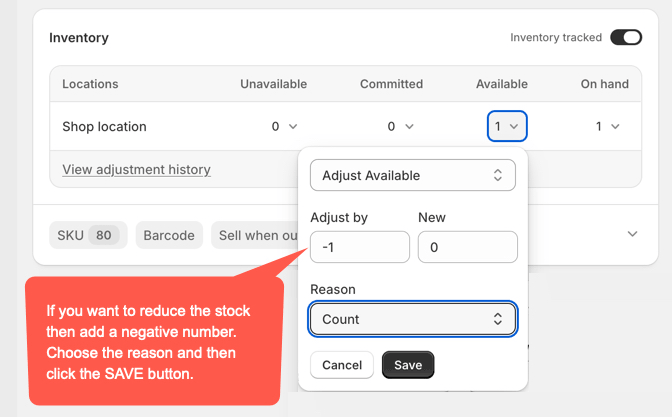
- Go to Products
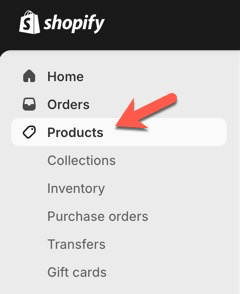
- Either click on the product in the list of products, or search for the product after clicking on the search icon top right:
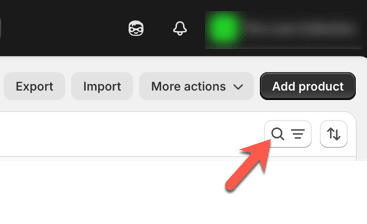
How to delete a product
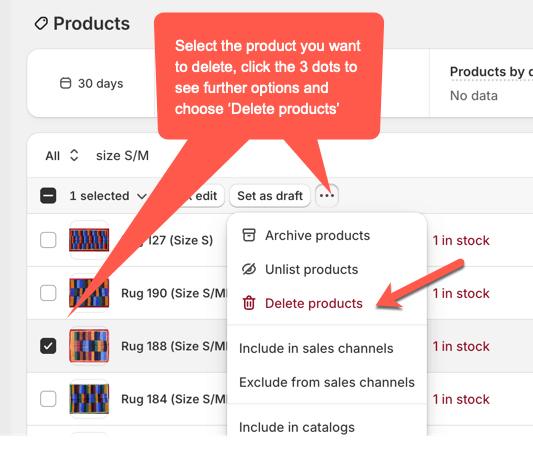
How to change a product’s stock level
Follow steps 1 and 2 above to locate the product in question. Click to open the product and scroll down to the Inventory section. See setting changes below. Please note that setting ‘Available’ to 0 will only show ‘Sold Out’ if your store does NOT allow back orders.