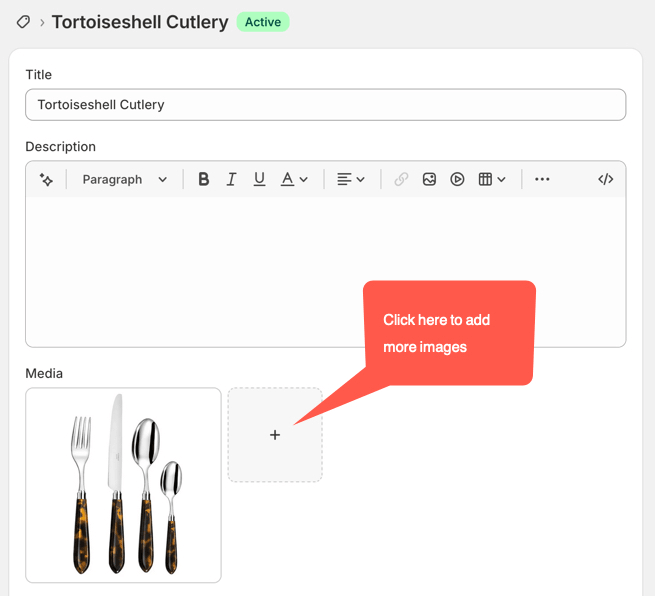
How to Add and Remove Product Photos
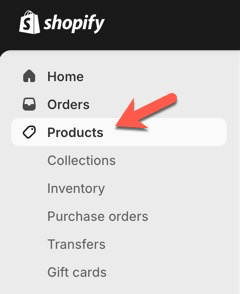
- Go to Products
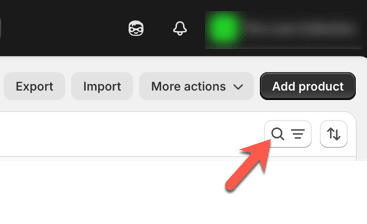
- Either click on the product in the list of products, or search for the product after clicking on the search icon top right:
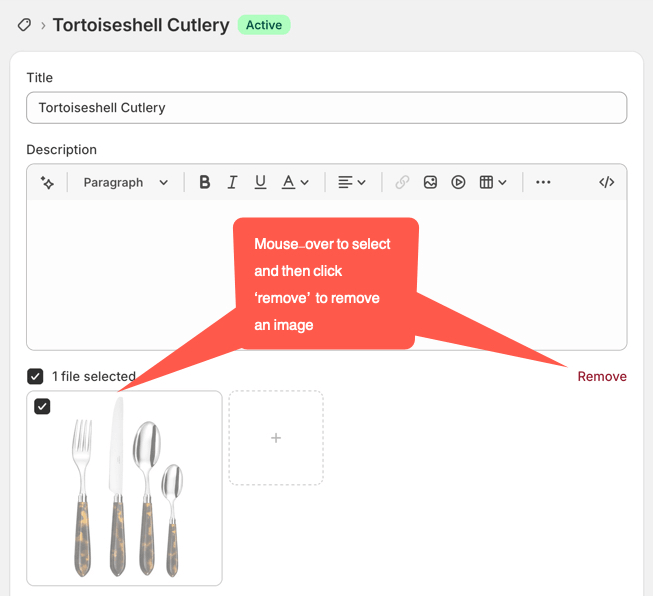
- To remove an image mouse-over the image, click to select it, and then click ‘remove’:
- To add a new image to the product page gallery, click the ‘add’ icon in the Media section and then either choose from the existing images or upload a new one (NOTE please be sure to resize and optimise photos before uploading them):