It is vital that you keep your website software up-to-date. Failing to do this could result in your website being hacked, because you security updates have not been implemented. Set a reminder in your calendar to do this every 2 to 4 weeks.
Log into the WordPress admin section and check the ‘Updates’ section. Here you can see 8 outstanding updates that need to be applied. Click on the Updates link:

The Updates Page
There are FOUR sections in this page. Check each of them.
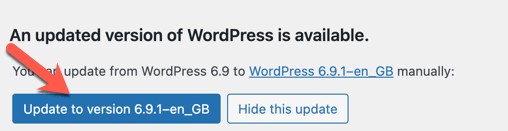
Section 1: WordPress software
If there is an update available then click the blue ‘Update’ button
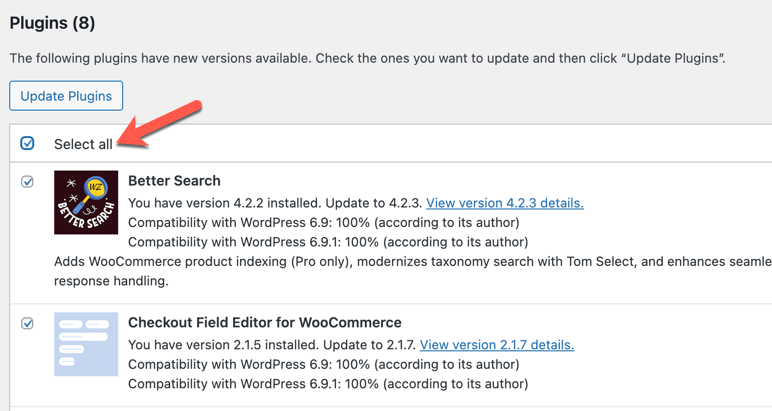
Section 2: Plugins
Click ‘select all’ and then click the Update button.
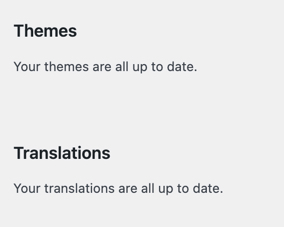
Sections 3 & 4: Themes & Translations
In this example there are no updates. Otherwise click the update button in each section